How to Export Scripts from CSS 2.7 into 2.8
Exporting your scripts from CSS 2.7:
- Export script JSON
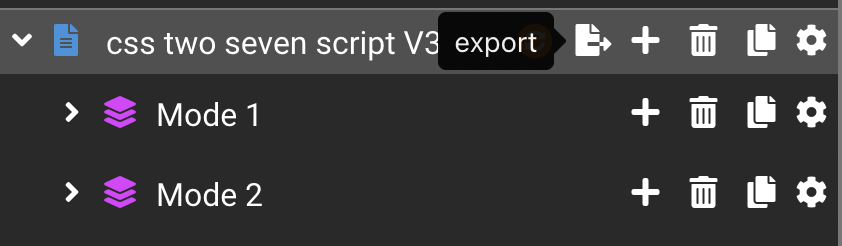
- Click the export icon on the script row and save the script to file (JSON)
- Export controller template JSON
- Open the Controller Template Manager, click the export icon on the controller template assigned to the script, and save the controller template to file (JSON)

Finding your scripts from outside the CSS App
If CSS 2.7 is no longer accessible, you can still get your scripts directly from the file browser on your computer.
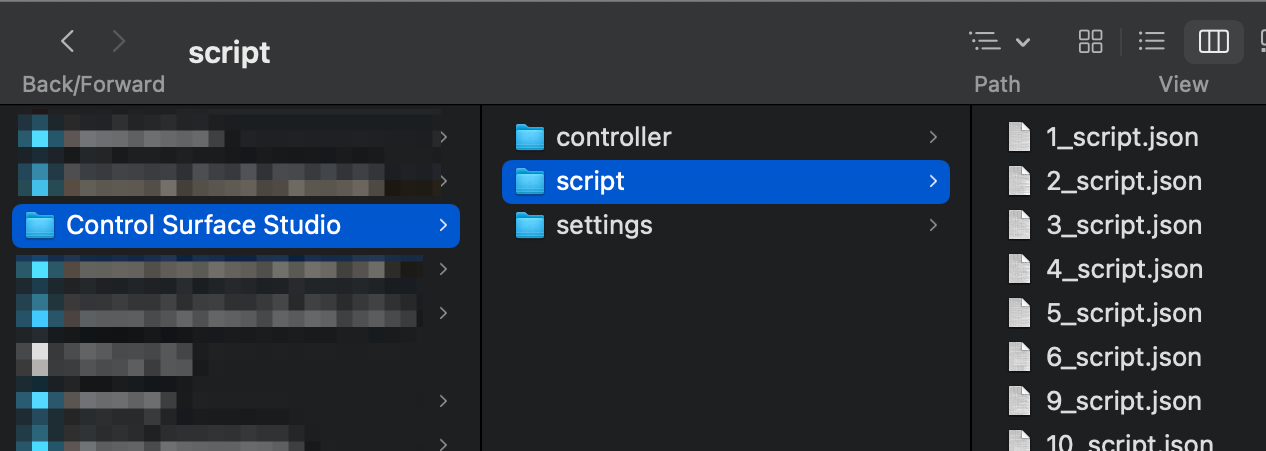
Open Finder/Explorer and go to:
user home directory > Control Surface Studio > script
You will see a list of JSON files; each one of these is a separate script in your Control Surface Studio installation.
How to find your script
The script files aren’t named with the actual name of your script, but the actual script name can be found inside each file.
If you have many scripts, then looking in each one will be time-consuming.
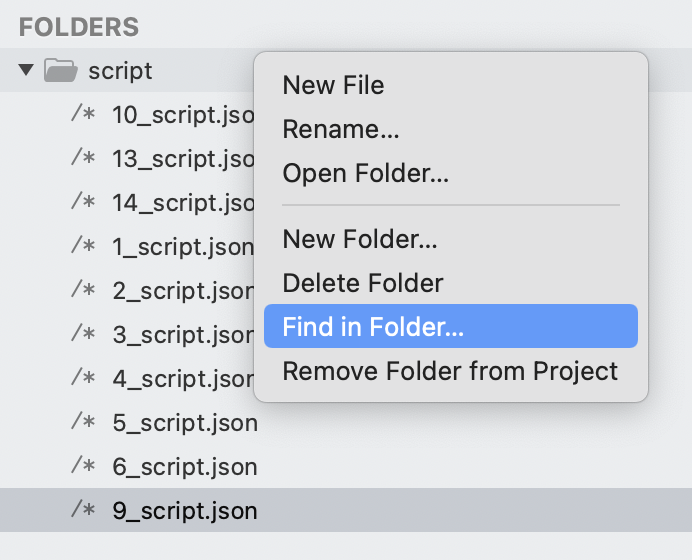
The quickest way to find a specific script is to search the files in this folder for your script name. This can be done using the search folder option in Finder/Explorer or using a free text editor such as Sublime or Visual Studio Code.
The script name will look like this inside the script file:
"name": "loop selector",
Once you have located the correct file, you can import it into the converter tool.
Convert the script from CSS 2.7 to 2.8 using this tool
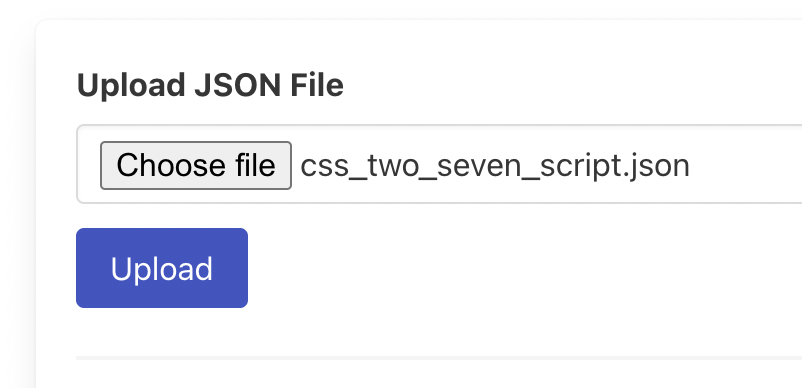
- Click choose file, select the exported script JSON file
- Click upload
- The tool will generate the converted script JSON and download it to your computer. You can also grab the JSON from the “output” section at the bottom.
- Note: Don’t try to convert the controller template JSON. This isn’t needed and may break it.
Import into CSS 2.8:
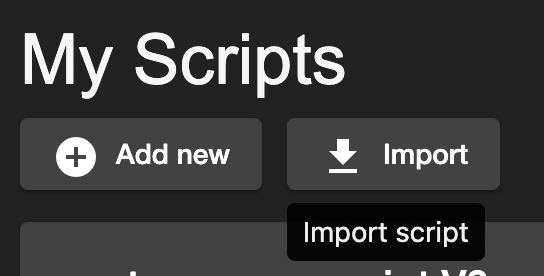
- Import script
- In the My Scripts page, click the import button, select the script JSON file which was generated by this tool.
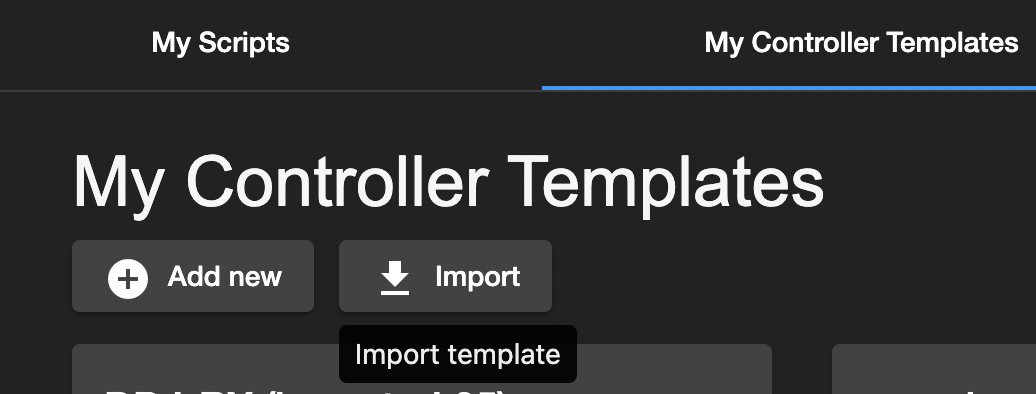
- Import Controller template
- Click the 'My Controller Templates' tab, click the import button, and select the controller template JSON file which you exported from 2.7.
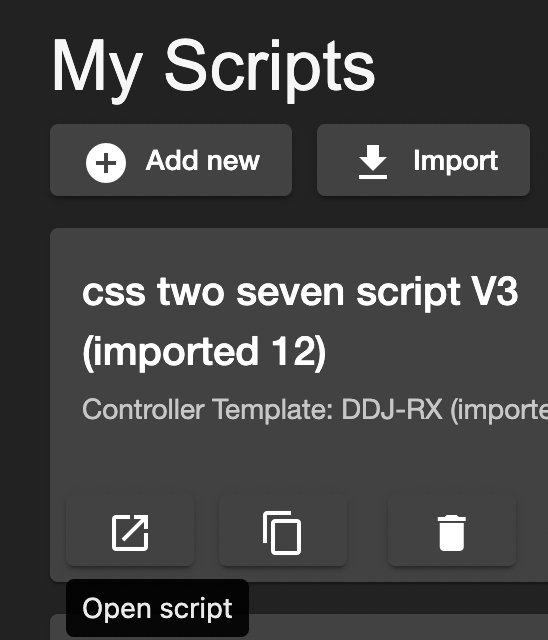
- Open the script in the editor
- Click the 'My Scripts' tab, then click the open script button on your newly imported script.
- Assign the controller template to the script

- Delete “css” from the script name (If you don’t, the script will be named “css css Script Name” in Ableton Live preferences.)
- Click save button - save script to file
- Click generate in Ableton Live if you want to generate it into Ableton, of course.